
Smyrna Police Blotter
Smyrna police blotter searches work well because the town publishes a Police to Citizen portal, records request rules, and crash report instructions in one place. If you are trying to confirm a recent arrest, an incident report, or a traffic crash, Smyrna gives you a fairly direct path. The town also points people toward Rutherford County when custody or warrant questions move past the city stage. This page brings the Smyrna police blotter sources together so you can find a report, check the request rules, and move to the county side if the person was booked after the arrest.
Smyrna Police Blotter Facts
Smyrna Police Blotter Sources
The Smyrna Police Department is the first stop for most city police blotter searches. The department page places records, community outreach, investigation, K-9, patrol, and administrative services under one roof. That matters because Smyrna uses a modern records workflow rather than a loose paper trail. The department headquarters is at 400 Enon Springs Road East, and the town points people to the records division for incident and arrest information. For a local police blotter search, that is the exact office you want first.
The Smyrna Police Department page is the main official city source for records contact information and department services.
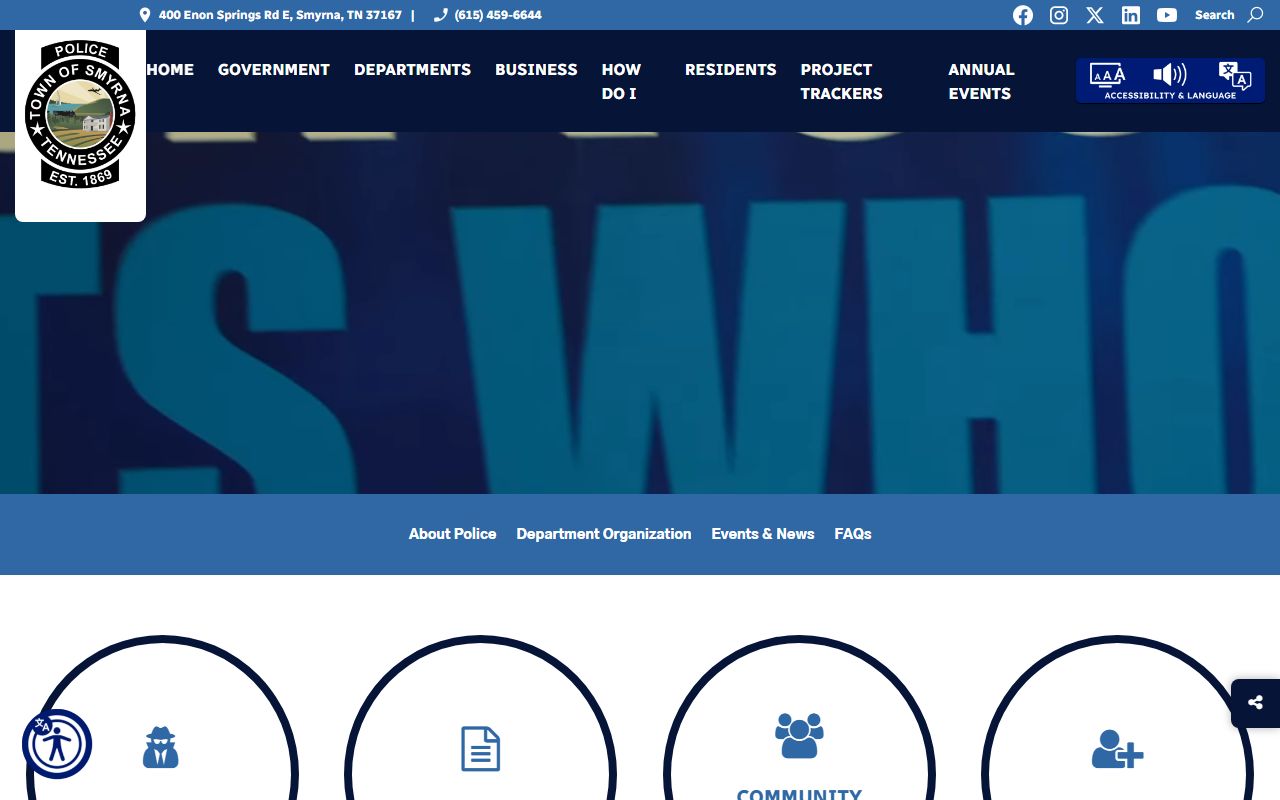
Use that link when the Smyrna police blotter search needs the department’s official phone number, records window, or public safety contacts.
The city also uses Police to Citizen software. That helps because a user can search some police records, submit non-emergency requests, and download reports without calling the front desk first. In a town this active, having a digital portal saves time and keeps the search focused.
Smyrna Police Blotter Records
The Police to Citizen portal is one of the strongest tools on this page. The research file says it provides online services for public safety incidents and arrests, including report downloads, incident report submission, officer commendations, and extra watch requests. That means a Smyrna police blotter search can start with a public portal rather than a paper request. It is not a substitute for every record, but it gets you into the system faster. The portal also reflects the town’s use of Central Square OSSI records management software.
The Smyrna Police to Citizen portal is the best place to start when you want to search or download a police record online.
The records request page says reports are generally available 72 hours after the incident, Tennessee ID or proof of Tennessee residency is required, and mail requests must include a self-addressed stamped envelope and payment at $0.15 per page. The city also says TN crash reports are available online with a 9-digit reference number. Those details make the Smyrna police blotter process practical, but they also mean you need the right report type before you request it.
The Smyrna records request page is the official source for incident report requests, copy fees, and mail or in-person rules.
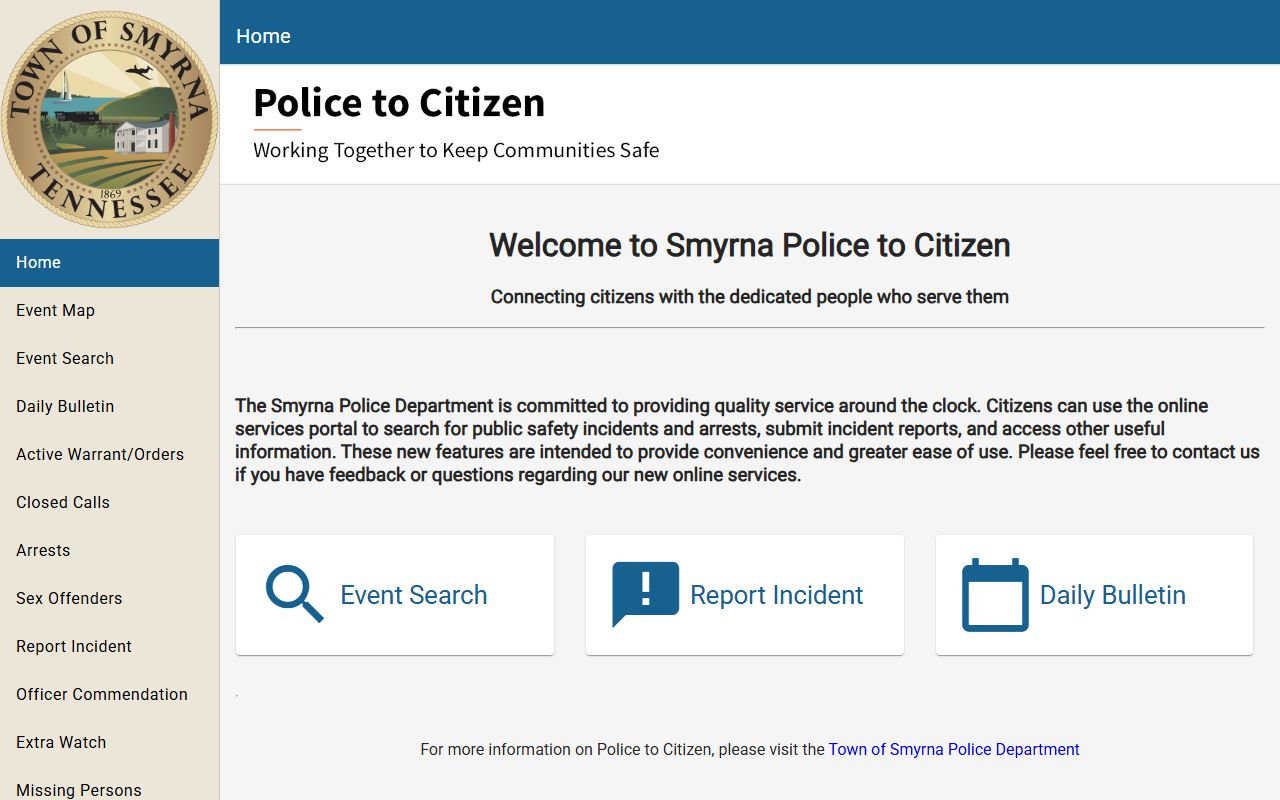
That portal image fits the Smyrna police blotter story because the town uses it for report access and public safety requests.
Smyrna Police Blotter Request Rules
Request rules are straightforward in Smyrna. The city wants names, case number if known, and a date of birth when possible. For mail requests, the department asks for a self-addressed stamped envelope and payment to the police department. In person, the records division is at the police department, and the records hours are Monday through Friday from 8:00 a.m. to 4:00 p.m. That timing matters when a police blotter request needs to be picked up rather than mailed.
Smyrna also says local criminal history checks within the city limits are processed during normal business hours and are not certified. For arrest dispositions and certified copies, the town points people to the Court Clerk’s Office. That keeps a Smyrna police blotter search clean: the city handles the local check, and the court handles the certified result if you need it. For statewide checks, the town points people to the TBI.
TBI TORIS is the statewide fallback when a Smyrna police blotter search needs a Tennessee criminal history check rather than just a city record.
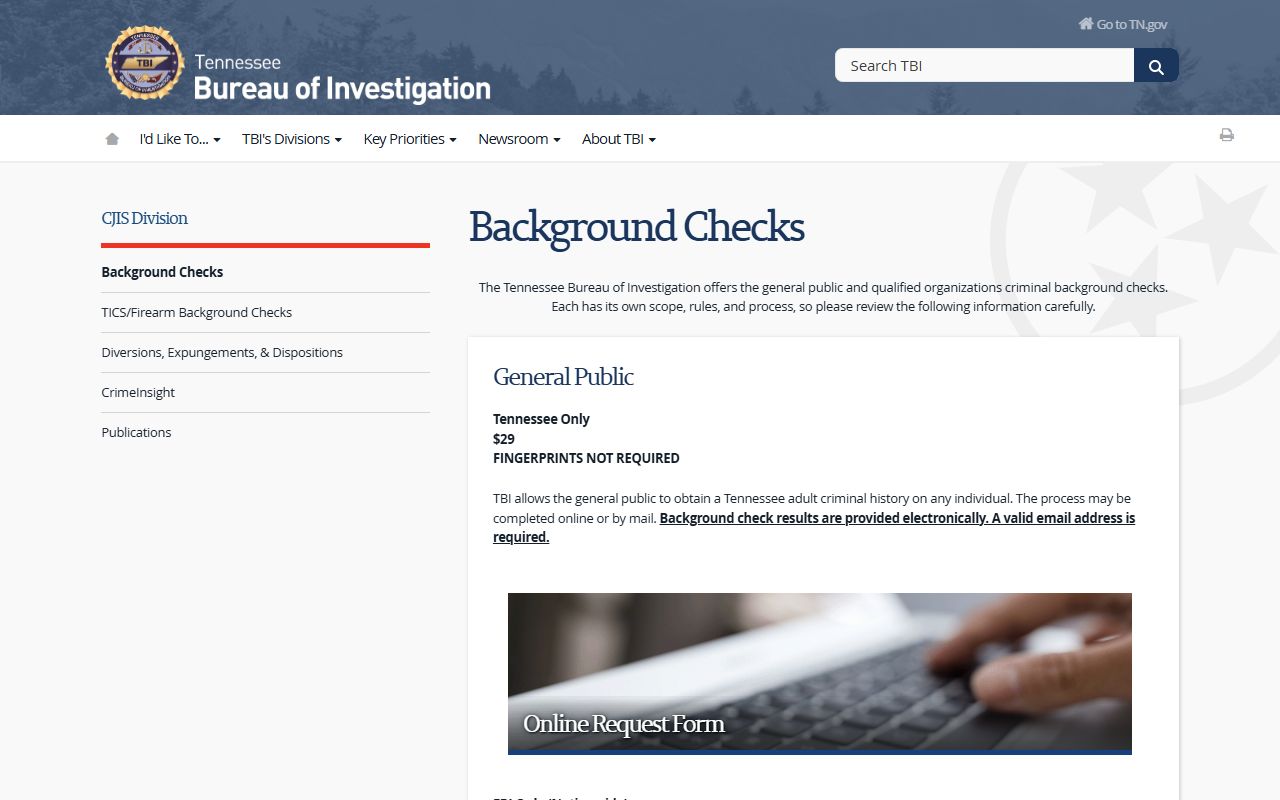
Use the state page when the city record does not answer the whole question.
Note: Smyrna does not offer fingerprinting through the police department, so do not build your request around that assumption.
Rutherford County Police Blotter Follow Up
Once a Smyrna police blotter event becomes a booking, the county side takes over. Rutherford County says its sheriff’s office handles records and warrants, but no public warrant search is available. That makes the county jail and records division the right follow-up for a Smyrna arrest. If the matter turns into a warrant question, the county wants direct contact rather than a public lookup. That is important for a city that sits inside Rutherford County and uses the county jail for custody.
The Rutherford County sheriff division page is the official county follow-up for jail, records, and warrant questions after a Smyrna arrest.
The county page also helps when an arrest turns into a court matter. If a person needs a docket or a criminal filing, Rutherford County court resources take over after the booking stage. A Smyrna police blotter search is therefore only half done once the city report is found. The county custody and court trail still has to be checked.
Note: A Smyrna incident report can be public while the county warrant answer still requires direct contact.
Smyrna Police Blotter Search Tips
Start with the portal. If the report is there, use it to collect the incident number and the basic facts. Then move to the records request page for the actual copy. If the person was arrested, shift to Rutherford County for custody and warrant follow-up. Smyrna works best when you separate the city report from the county booking question. That saves time and reduces duplicate requests. If the event is only a crash, use the crash report rules before you request a full incident file.
- Use P2C for downloadable reports and online incident tools.
- Use the records request page for copies and mail requests.
- Use Rutherford County for jail, warrant, and custody follow-up.
- Use TBI TORIS for a statewide criminal history check.
Note: Smyrna police blotter requests move faster when you give the city the report type and the date first.
Nearby City Pages
Use nearby pages when the arrest or report happened outside Smyrna city limits or when the same case touches another local agency.
Those city pages help when a police blotter trail shifts across Middle Tennessee agencies.