
Search Murfreesboro Police Blotter
Murfreesboro police blotter searches are easier than many Tennessee cities because the police department publishes records help, open data support, and crash report guidance in one place. That means you can usually confirm an event, find a report number, and then make the right records request without starting from zero. This page gathers the Murfreesboro police blotter routes that matter most: incident data, records section contact details, request forms, crash report rules, and the county custody trail that follows if the arrest moves into Rutherford County jail or court.
Murfreesboro Police Blotter Facts
Murfreesboro Police Blotter Sources
The Murfreesboro Police Department is the main city source for a Murfreesboro police blotter search. The official department page points users to public records, crime prevention, crime mapping, a Real Time Crime Center, and a dispatch center. That matters because Murfreesboro does not hide all of its police data behind a slow paper process. Some of the trail is public from the start. The police department headquarters is at 1004 North Highland Avenue, and the department uses the same central location for records help and general inquiries.
The Murfreesboro Police Department page is the best starting point for city incident research, records contacts, and department information.
Because the city has no local image in the manifest, the statewide TBI portal is the best fallback visual and research tie-in for this Murfreesboro police blotter page.
Murfreesboro’s Real Time Crime Center is another useful clue. It uses public safety cameras, ALPRs, and gunshot detection. That does not replace a report request, but it shows that the city keeps a modern records and response infrastructure. When you search a Murfreesboro police blotter event, you are working inside a system that already tracks calls, data, and report intake in a structured way.
Murfreesboro Police Blotter Incident Data
The city’s open-facing police records workflow starts with the Records Section. The research file and the current city site say the Records Section is at 1004 N. Highland Avenue, Murfreesboro, TN 37130, with phone 615-849-2637. The section stores and maintains reports and property, handles telephone inquiries, mails reports, and provides data as requested. Copies of police reports may be picked up Monday through Friday from 8:00 a.m. to 4:30 p.m. Copies are $0.15 per page. That makes the city side of the Murfreesboro police blotter search direct and practical.
The Murfreesboro Records Section page is the key official source for report storage, requests, and copy pickup.
The city incident data is also supported by public-facing tools and the department’s file-a-report and crime mapping links. That means you can often confirm a call before you ask for the report. The better your details, the faster the records search tends to move. If you have an incident number, use it. If not, give the date, time, street, and names involved. That is the practical Murfreesboro police blotter workflow.
The city public records request form requires a valid phone number, an email address, and a Tennessee photo ID.
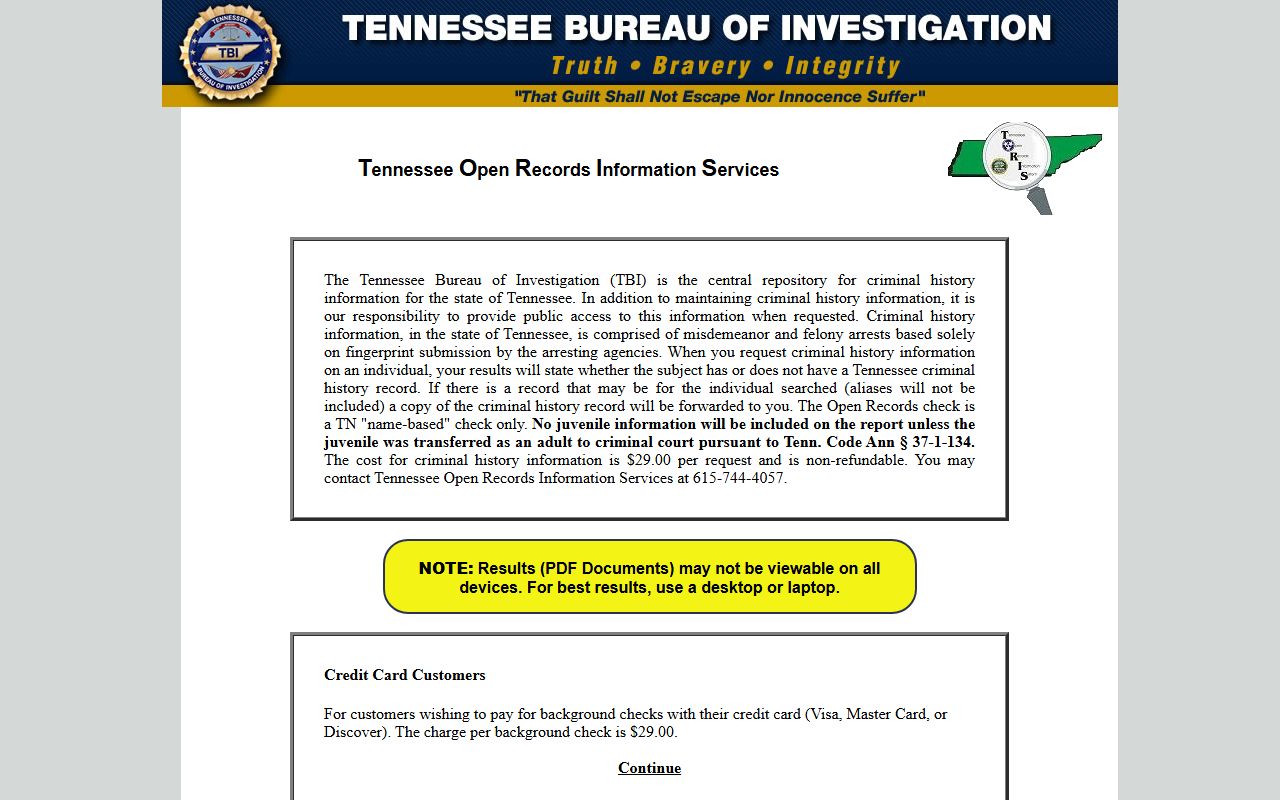
Use the statewide TORIS image and TBI link as a fallback when you move from a city incident search to a broader Tennessee record check.
Murfreesboro Police Blotter Records Requests
Murfreesboro handles public records requests through a dedicated form that can be submitted electronically. The city says a Tennessee photo ID should be attached, and the records team can respond through the records request workflow if more information is needed. That is a good fit for police blotter work because many requests need a few exact facts before the city will release the file. If you need an accident or incident report, the city records section can handle the payment and copy pickup process in one place.
The Murfreesboro public records request form is the official path for police records requests and requires complete contact information.
The city’s Traffic Crash Reports page adds another layer. Crashes investigated by THP or other agencies should be available online within seven business days, and citizens can continue to visit the police records department if they need help. If the crash was a straightforward city event, the records section is usually enough. If it was a state trooper case, you may need the Tennessee crash portal instead. Murfreesboro keeps those paths separate on purpose.
The Murfreesboro traffic crash reports page is the best official source when the police blotter event is a crash rather than a general incident.
Rutherford County Police Blotter Follow Up
When a Murfreesboro police blotter event turns into a booking, the trail often moves to Rutherford County Sheriff records. The county sheriff division page says the sheriff handles warrant and records questions, incident reports, and traffic crash reports. The detention center then handles the custody side. That means a city search may tell you what happened, but the county page tells you where the person is now and what the bond or jail status looks like. For a complete answer, you usually need both.
The Rutherford County sheriff division page is the official county follow-up for custody, records, and warrant questions after a Murfreesboro arrest.
The county also says no public warrant search is available. If you need a current warrant answer, you may have to call or visit. That is useful to know before you spend time on the wrong page. The local police blotter event may be public, but the warrant confirmation is not always online in Rutherford County. Keep the search specific and the county process becomes much easier.
Note: A Murfreesboro incident report and a Rutherford County custody record are related, but they are not the same file.
Murfreesboro Police Blotter Search Tips
Use the simplest route first. Check the department page, then the Records Section, then the public records request form if you still need a copy. The city’s records team is set up to handle police reports, crash reports, and property data without forcing you to guess at the right office. If you only need to know whether a call was made, the city data and dispatch tools can help you narrow it down before you ask for copies. That saves time and reduces the chance of getting a broad, slow response.
- Use the police department page for city records contacts and department links.
- Use the Records Section for report copies and data requests.
- Use the crash reports page for wrecks and traffic incident files.
- Use the county sheriff page when the arrest moves into Rutherford County custody.
Note: Murfreesboro’s records workflow is more efficient when the request is tied to a date, a street, and a name.
Nearby City Pages
Use nearby city pages when the incident started outside Murfreesboro or when a cross-county search points you somewhere else.
Those city pages help if the police blotter trail shifts from one city department to another.