
Search Franklin Police Blotter
Franklin Police Blotter searches usually start with the city police department, then move to Williamson County when an arrest becomes a jail or warrant question. Franklin keeps the city side of the record fairly direct. The police department accepts in-person and mail requests for reports, and the research notes that photo ID is required for all records requests. That means a Franklin Police Blotter search works best when you know the person, the date, and the type of report you want before you contact the city. Once the event moves into custody, the county jail becomes the next place to check.
Franklin Police Blotter Facts
Franklin Police Blotter Sources
The Franklin Police Department is the city starting point for police blotter records. The research file lists the department at 900 Columbia Avenue, with incident reports, accident reports, and arrest reports available through the city records process. Franklin is straightforward in that sense. The department handles the local report, and the city decides what can be released. If the matter is still active, the city may hold it back until the case is ready. If the record is ready, the department can release it once the request is clear.
The Franklin Police Department page is the official place to start when the search is about a city report, a crash, or an arrest record in Franklin.
For statewide arrest-history backup, the TBI TORIS system is the first state tool worth checking when a Franklin police blotter request needs more than the city file.
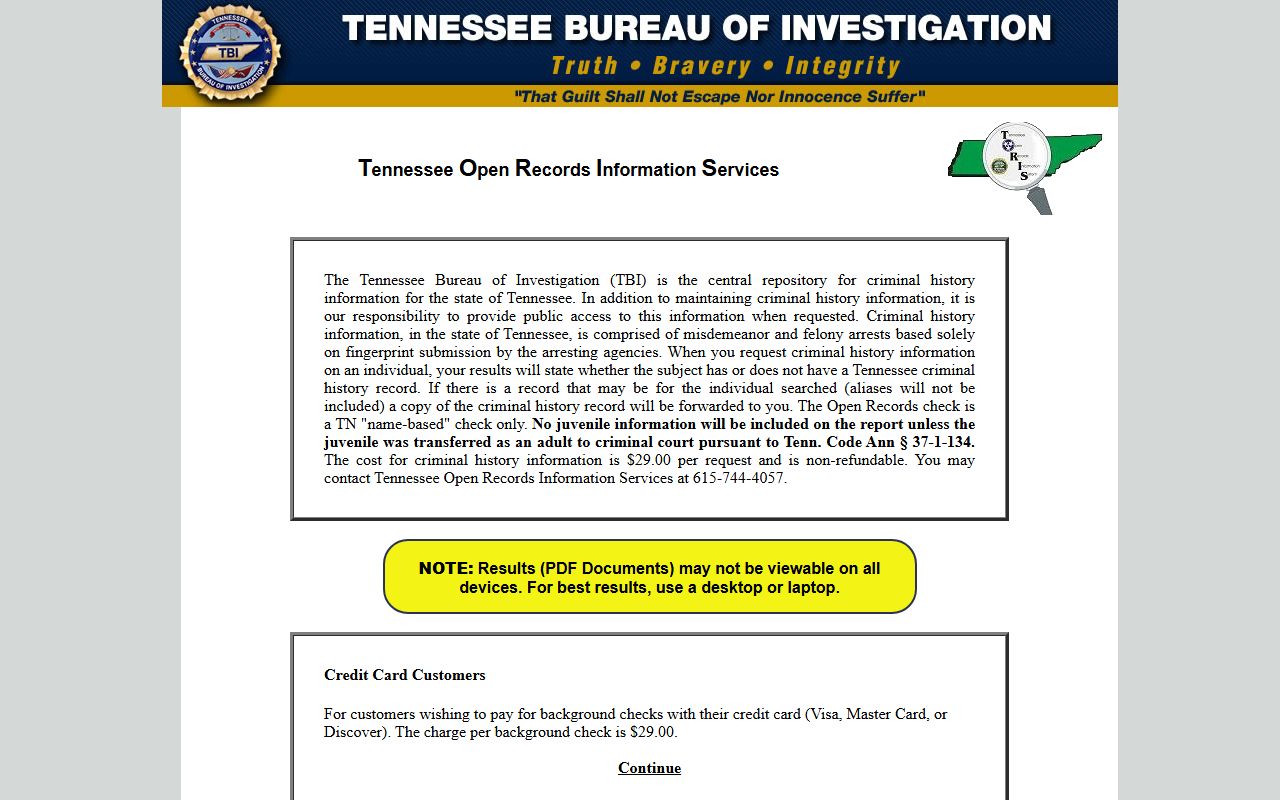
That statewide search is useful when the local report is incomplete or when you need a broader Tennessee criminal history response tied to a Franklin case.
Franklin also fits into a larger Williamson County record trail. The city report may be only the first step. If the arrest moved to the county jail or later to court, the county office will have the next layer of information. Starting with the city keeps the Franklin Police Blotter search focused and makes the county follow-up easier to identify.
Franklin Police Blotter Requests
Franklin police requests are accepted in person or by mail, and the research says photo ID is required for all records requests. That matters because a Franklin Police Blotter request is not just a casual question at the counter. You need enough detail to let the department locate the report. The best version of the request includes the name of the person, the incident date, and the type of record you want. If you have a report number, use it. If you do not, the date and location still help a lot.
The TBI background checks page is the strongest state fallback if the Franklin request needs a broader Tennessee criminal history path instead of just the city report copy.
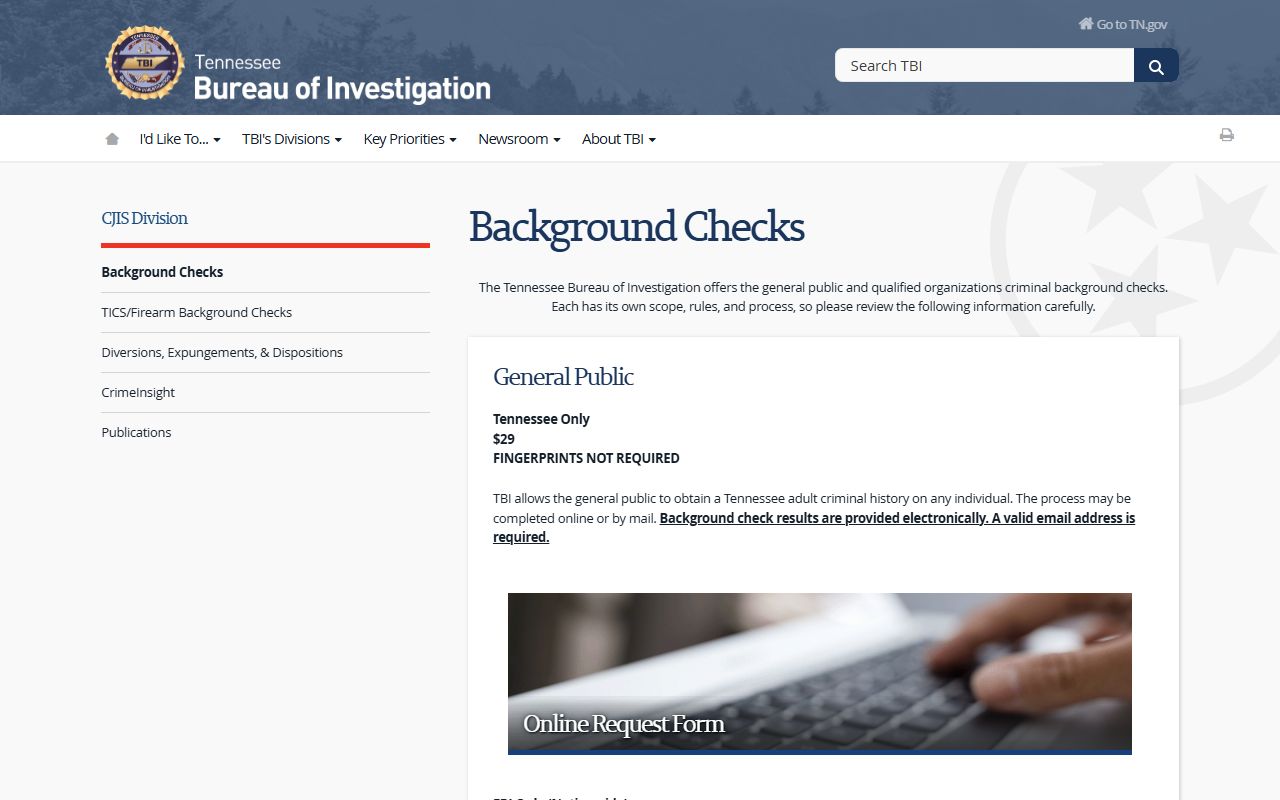
Use that state page when the Franklin Police Blotter search turns into a name-based Tennessee history check or a mail-in request that needs state guidance.
The city research does not give a fee list, so the cleanest move is to ask Franklin for the current copy cost before you submit payment. That avoids guessing. It also helps you decide whether you want a simple incident report, an arrest record, or a crash report copy. Franklin handles those as separate record types, so the request should stay narrow.
Note: Active investigations are exempt from release in Franklin, so some records may be delayed or redacted even when the city confirms the report exists.
Franklin Police Blotter and Williamson County
Once the arrest becomes a custody issue, Williamson County takes over. The research says the Williamson County Sheriff's Office operates from 408 Century Court in Franklin, the county jail holds the inmate records, and warrant information is available in person only. That is the next step for a Franklin Police Blotter search when the police report no longer answers the question. The county side usually has the jail status, the booking trail, and the warrant answer that the city report does not show.
VINE is a useful statewide custody and notification tool when a Franklin arrest has moved beyond the city report and into jail or release tracking.
That state resource does not replace the county jail, but it helps you follow the custody trail once the Franklin police blotter event becomes a booked case.
The county warrant rule is worth remembering. Williamson County does not describe a public warrant search in the research file, so direct contact is the practical route. That is a common Tennessee pattern. The city report gets you started, and the county office gives you the custody answer. If you need the live booking side, go to the county. If you need the city incident side, stay with Franklin.
Franklin Police Blotter Access Rules
Tennessee public records law controls the Franklin request process. Under Tenn. Code Ann. § 10-7-503, public records are generally open to Tennessee citizens. Under Tenn. Code Ann. § 10-7-504, active investigations and other protected material can be withheld or redacted. That is the legal backdrop for a Franklin Police Blotter request. The city can release the report, but it does not have to release everything in every file.
The Tennessee Open Records Counsel page is a helpful backup if a Franklin request needs statewide guidance on forms, access, or response rules.
Older or transferred material may also route through state records rather than the city desk. That is where the Tennessee State Library and Archives can help, especially if the local report has become part of a broader court or county record trail over time. Franklin users do not always need that step, but it is useful when the local office says the file is old or no longer part of the active police workflow.
Franklin Police Blotter access is therefore a mix of city records, county custody, and statewide backup tools. The more specific the request, the easier that mix is to navigate.
The Tennessee State Library and Archives is the state fallback when a Franklin police blotter search turns historical and the city no longer holds the active copy.

That archive resource helps when the city file has aged out of the normal request cycle or moved into older court material.
Franklin Police Blotter Search Tips
The best Franklin search starts with the office that created the file. If the event was a police response, start with Franklin police. If the event became a booking, move to Williamson County. If the question is broader Tennessee history, use TORIS or the TBI background checks page. That simple sequence keeps the search from bouncing around between city, county, and state systems without a clear goal.
- Use the Franklin Police Department for incident, accident, and arrest report requests.
- Bring photo ID when asking for copies.
- Use Williamson County for jail and warrant follow-up.
- Use TORIS or TBI background checks when the local search needs state backup.
Franklin police blotter requests also work better when you ask for a specific record rather than a broad category. "Incident report from March 12" is better than "all police records." The more exact the request, the faster the city can confirm whether it has the file and whether the file is ready for release.
Williamson County Police Blotter
Franklin arrests often continue into Williamson County, so the county page is the right next stop when the city blotter turns into a jail or warrant question.
View Williamson County Police Blotter
Nearby Tennessee Cities
Nearby city pages help when a Franklin police blotter trail crosses city limits or connects to another Middle Tennessee agency.