
Search Spring Hill Police Blotter
Spring Hill Police Blotter searches are a little different because the city crosses both Maury and Williamson counties. That means a single arrest can start with the Spring Hill Police Department, then move to one county jail or the other depending on where the booking happened. The city police department accepts records requests in person or by mail, and the research says some records are ready in three to five business days. If you need a Spring Hill Police Blotter entry, the city report is the best place to begin, then the county jail and warrant path can fill in the rest.
Spring Hill Police Blotter Facts
Spring Hill Police Blotter Sources
The Spring Hill Police Department is the first office to check for a Spring Hill Police Blotter search. Research for this project lists the department at 199 Town Center Parkway, with records requests accepted in person or by mail and photo ID required. That makes the city side clear. If the report is local and ready, the department can usually handle the request without sending you straight to a county office. The city also follows the Tennessee Public Records Act, so the records process is governed by the same statewide rules that apply everywhere else in Tennessee.
The Spring Hill Police Department page is the official starting point for city reports, department contacts, and police blotter request details.
For a statewide arrest-history backup, the TBI TORIS system is the best Tennessee search tool when a Spring Hill Police Blotter request needs a broader name-based record check.
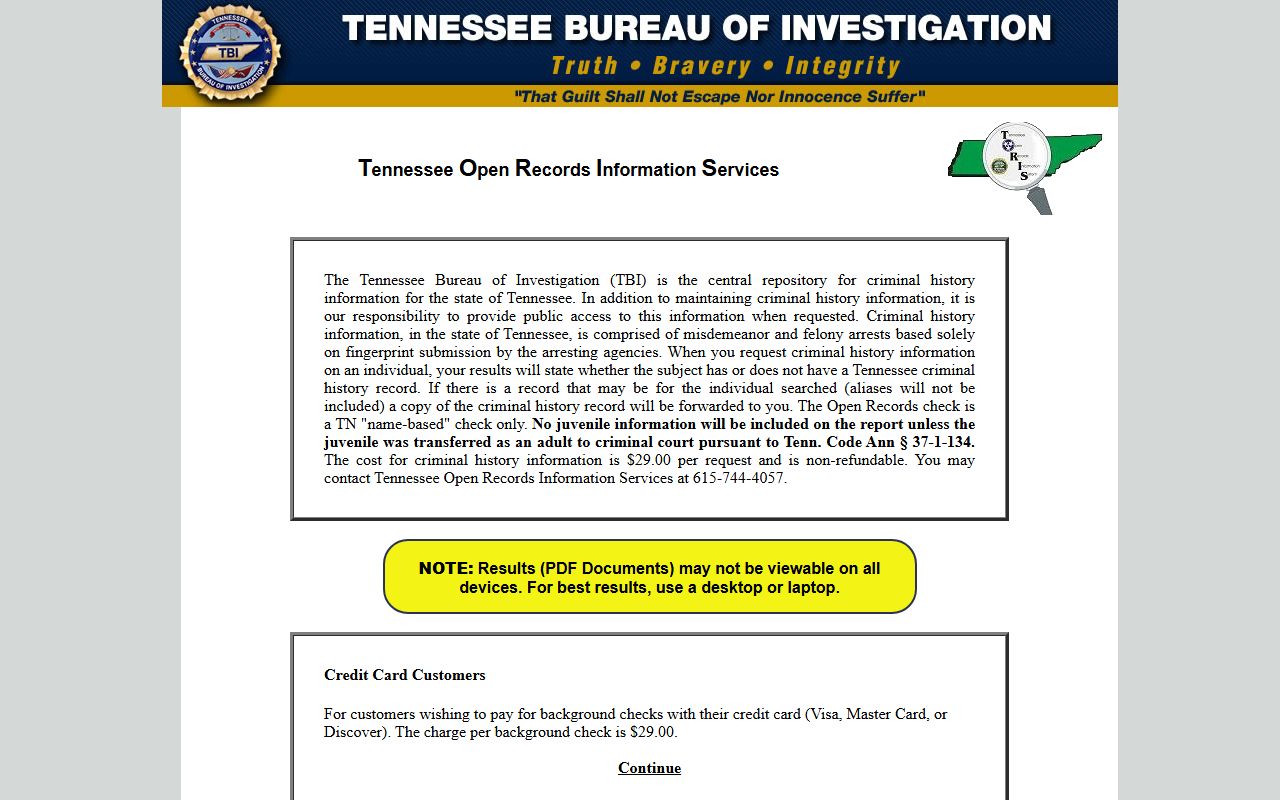
That state image and tool help when the local Spring Hill report is incomplete or when you want Tennessee criminal-history context before asking the city for a copy.
Spring Hill is unusual because residents can be funneled into two different county systems after an arrest. That split matters. A report from the city police does not automatically tell you which county holds the jail record, bond note, or warrant follow-up. Spring Hill users usually need the city report first, then the county side to finish the picture.
Spring Hill Police Blotter Requests
Spring Hill keeps the request process fairly direct. The city says records requests are accepted in person or by mail, some records are available within three to five business days, and a photo ID is required. That is helpful because a Spring Hill Police Blotter request does not need a complicated portal workflow to get started. You still need to be specific. If you know the event date, street, or person involved, include it. If you know the report number, use that too. The city will be able to find the right file faster.
The TBI background checks page is the best state fallback when a Spring Hill Police Blotter search needs mail-in guidance or a broader Tennessee criminal-history path.
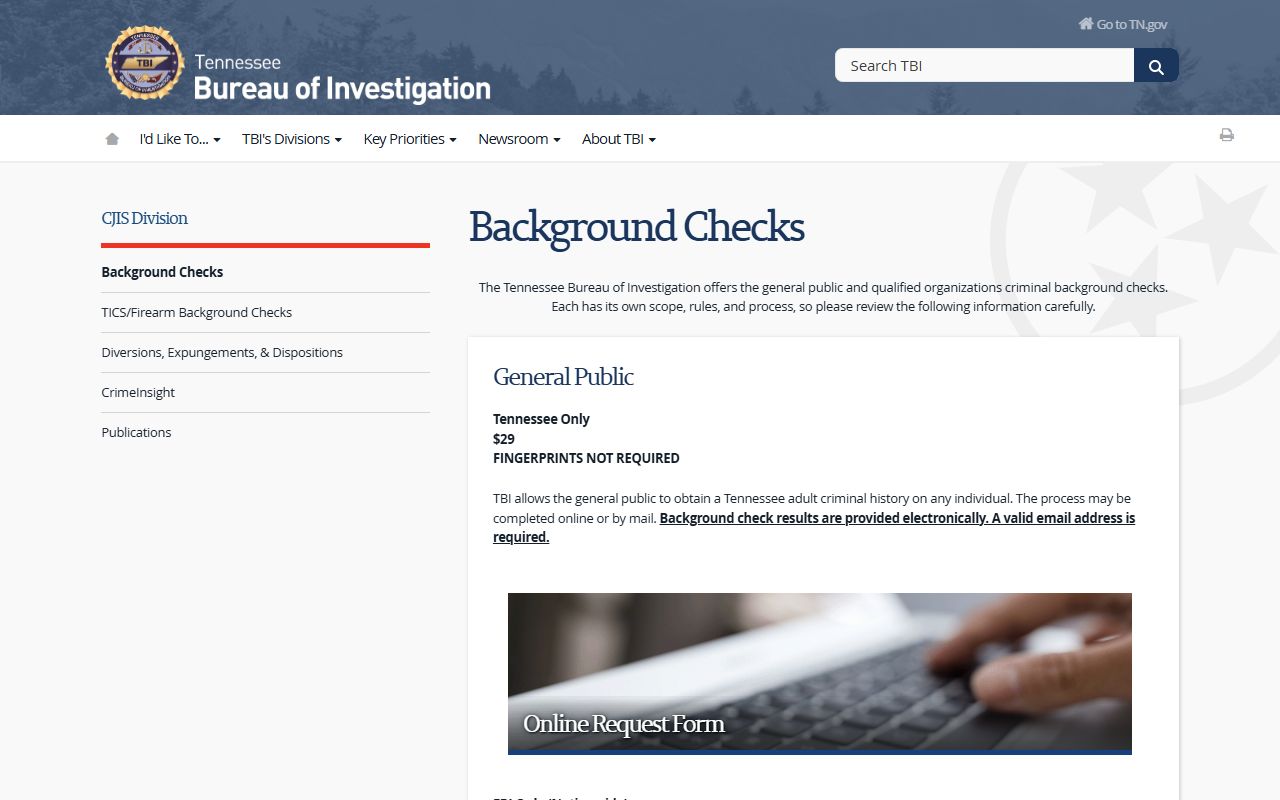
Use that state page when the local request is not enough and you need a Tennessee-wide search or a mailed background-check process.
The city research does not list a fee schedule for Spring Hill, so the safest move is to ask the records office about the current copy cost before you submit payment. That avoids confusion and keeps the search focused on the right record type. Spring Hill handles incident reports, and the city also handles the direct request process, which makes the first step easier than in many small Tennessee cities.
Note: Active investigations may still be delayed or redacted in Spring Hill, even when the city confirms that a record exists.
Spring Hill Police Blotter and Counties
Spring Hill spans Maury and Williamson counties, so the county follow-up depends on where the arrest went after the city stop. The research notes that the Maury County Sheriff's Office serves the Maury side of Spring Hill and that the Williamson County Sheriff's Office serves the Williamson side. Maury County has an online inmate roster, while Williamson County does not list a public warrant or most wanted search in the research file. That split makes Spring Hill a good example of why county follow-up matters in a police blotter search. The city report tells you what happened. The county system tells you where the case went.
The Maury County Police Blotter page is the right follow-up when the Spring Hill arrest was booked on the Maury side of town.
The Williamson County Police Blotter page is the right follow-up when the booking or jail trail went to Williamson County.
That dual-county setup is the main thing to remember. Spring Hill is not a one-county city. If you are trying to locate an inmate, confirm custody, or check a warrant, the county side may split based on the exact location of the arrest. Start with the city police report, then move to the county that matches the booking.
VINE is also useful for custody follow-up after a Spring Hill arrest, since it can help with alerts and status tracking once the case moves beyond the city report.
Spring Hill Police Blotter Access Rules
The Tennessee Public Records Act still controls Spring Hill Police Blotter access. Under Tenn. Code Ann. § 10-7-503, public records are generally open to Tennessee citizens. Under Tenn. Code Ann. § 10-7-504, active investigations and other protected information can be withheld or redacted. That is the legal backdrop for a Spring Hill request. It explains why the city may release a report but still cover some details inside it.
The Tennessee Open Records Counsel page is the cleanest statewide backup if a Spring Hill Police Blotter request needs help with forms, access rules, or response expectations.
Older or transferred records can also move into archive territory. When that happens, the Tennessee State Library and Archives is the best backup. It is not the first stop for a recent Spring Hill report, but it can help when the file is older or has moved beyond the active city records cycle. That makes it a useful second-level source for Spring Hill users who need historical material rather than a fresh incident copy.
The Tennessee State Library and Archives is the state fallback when a Spring Hill Police Blotter search turns historical.

That archive image and source help when older Spring Hill records are no longer sitting in the city police workflow.
Note: Spring Hill records can still be delayed or redacted if an active case is involved, even when the city otherwise releases police reports quickly.
Spring Hill Police Blotter Search Tips
The best Spring Hill search starts with the office that wrote the report. If the event was a police response, start with the Spring Hill Police Department. If the event became a booking, move to Maury County or Williamson County depending on where the arrest was taken. If you need statewide backup, use TORIS or the TBI background checks page. That simple sequence keeps the search from bouncing between city, county, and state systems without a clear goal.
- Use the Spring Hill Police Department for incident reports and local requests.
- Bring photo ID if the city asks for it.
- Use Maury County or Williamson County for jail and warrant follow-up.
- Use TORIS, VINE, or TSLA when the local record needs state backup or older history.
Spring Hill Police Blotter requests also work better when you ask for one record at a time. A single incident report is easier for the city to locate than a broad demand for every police document connected to a person. The more exact the request, the more likely you are to get the report you actually need without a long back-and-forth.
Maury County Police Blotter
Spring Hill incidents can move into Maury County custody, so the Maury County page is the right next stop when the city report turns into a jail or warrant question.
View Maury County Police Blotter
Williamson County Police Blotter
Spring Hill arrests can also move into Williamson County custody, so this county page matters when the city report leads south or west of the line.
View Williamson County Police Blotter
Nearby Tennessee Cities
Nearby city pages help when a Spring Hill Police Blotter search crosses city limits or connects to another Middle Tennessee agency.